Guides · · 6 min read
Can an AI receptionist book appointments into my Google Calendar?
Yes, on the Growth plan and up. What it does with your calendar, what to test before you trust it, and what happens on Starter, where you confirm each request.
By the Global AI team
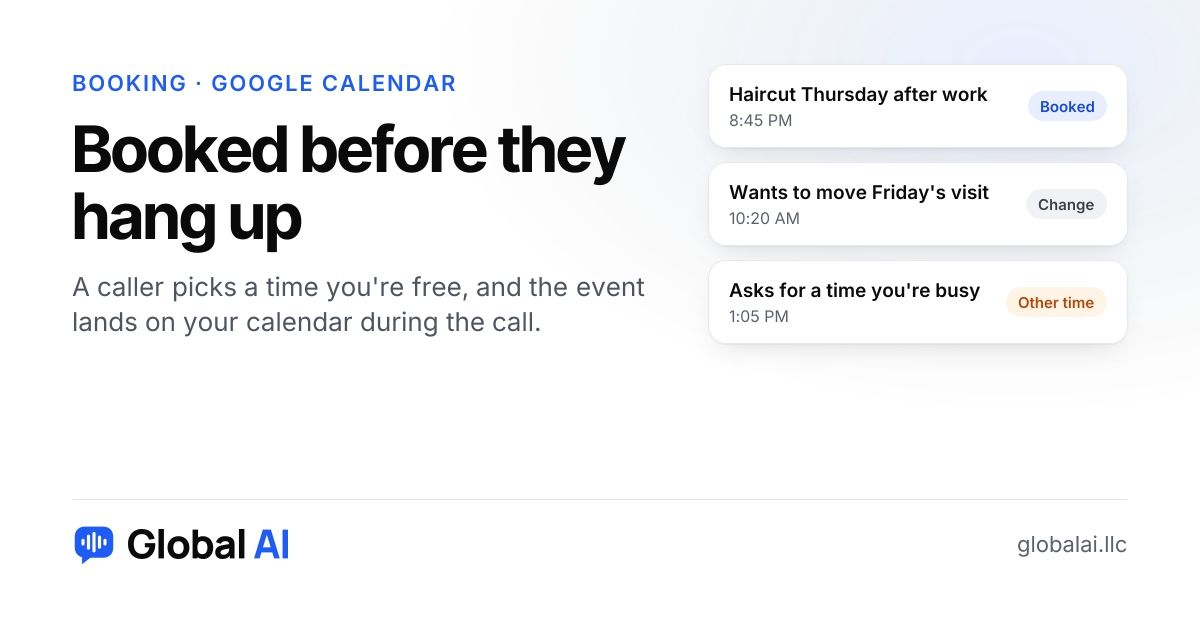
Yes, on the Growth plan and up. Connect your Google Calendar and the receptionist offers callers times your calendar shows as free, inside the business hours you set, then adds the booking while they're still on the phone. On Starter it takes a booking request and you confirm it yourself.
What does it actually do with my calendar?
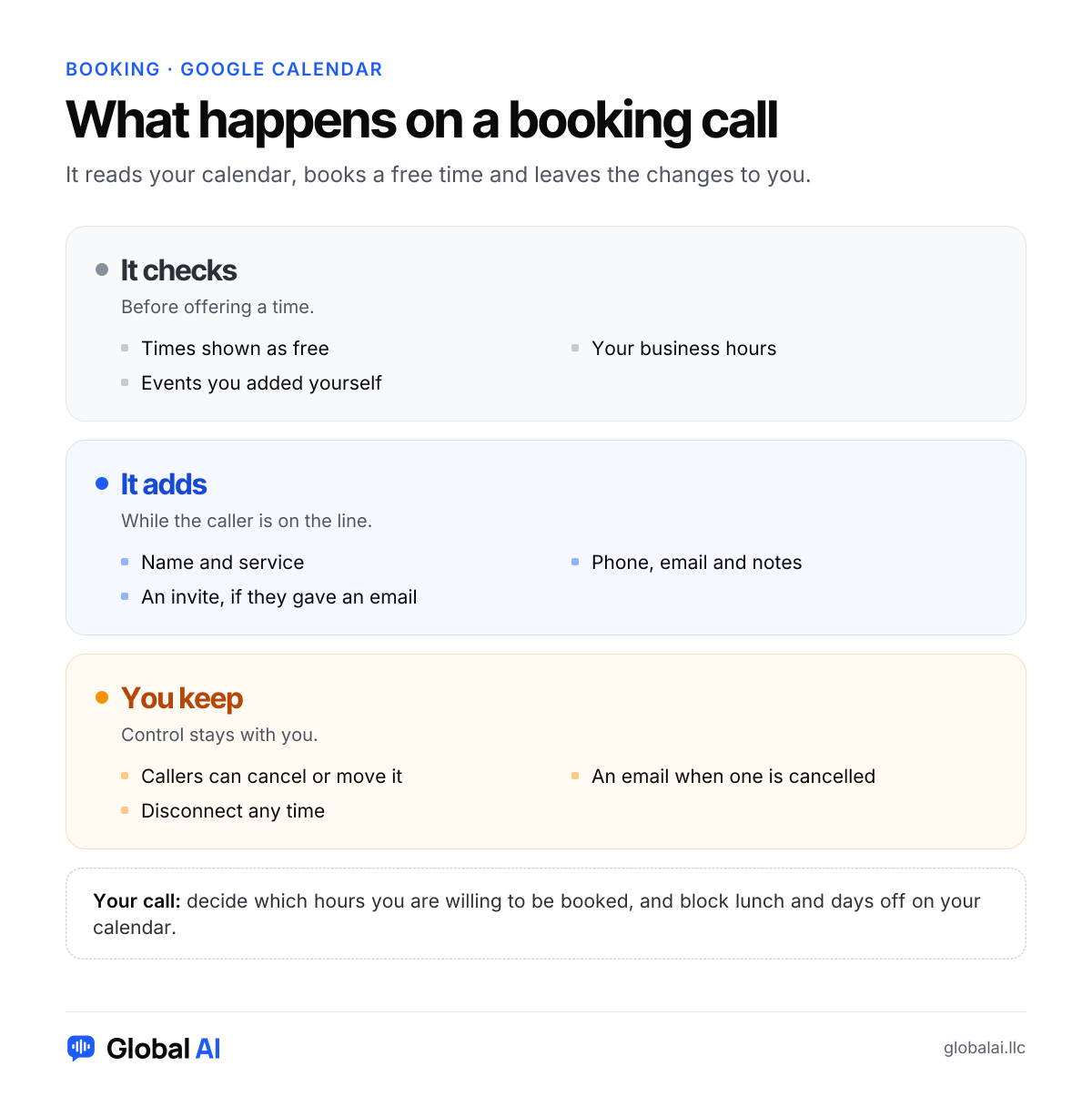
Think of it as a front desk person who is allowed to look at your calendar but not rearrange your life. It sees which times are free, offers a few, and writes the event once the caller picks one. The event carries the customer's name and the service, plus their number, email and any notes from the call.
If the caller gives an email address, they're added to the event as a guest, so Google sends them an invite. That is the only confirmation they get. Texting is not available yet, so nobody receives a text reminder from us.
Why does a booking beat a message?
Picture a barber with a chair full of customers on a Thursday evening. A new caller rings at 8:45 PM wanting a cut after work next week. With a message, he reads it at lunch, calls back, gets voicemail, and they trade a few rounds before a time sticks. By then the caller may have booked down the street. With a calendar booking, the slot exists before the caller hangs up.
It works the same way for website visitors. A chat on your site books from the same calendar, so a visitor at midnight doesn't need to wait for office hours either.
There is a catch worth saying out loud. A calendar that books itself also fills itself, and some owners find that uncomfortable at first. If you have never had a full Thursday, a full Thursday can feel like losing control. Set your business hours to the hours you are truly willing to work, and put a block on anything sacred, like the school run, before you forward a single call.
What should you test before a real customer calls?
Your calendar is the source of truth, so the first test is whether your calendar tells the truth. Anything you haven't put on it looks free. A dentist appointment, a supplier delivery or a family dinner only blocks time if it's an event.
| Test | What to look for | Why it matters |
|---|---|---|
| Book an open time | The event appears on your calendar with the right name and service | Proves the connection works |
| Ask for a busy time | It offers another time instead of booking over yours | Proves your events block time |
| Ask for a time after hours | It stays inside the hours you set | Proves your business hours are right |
| Cancel the booking | The event changes, and you get an email | Proves changes reach you |
Book an open time
- What to look for
- The event appears on your calendar with the right name and service
- Why it matters
- Proves the connection works
Ask for a busy time
- What to look for
- It offers another time instead of booking over yours
- Why it matters
- Proves your events block time
Ask for a time after hours
- What to look for
- It stays inside the hours you set
- Why it matters
- Proves your business hours are right
Cancel the booking
- What to look for
- The event changes, and you get an email
- Why it matters
- Proves changes reach you
Two things this test cannot answer for you. One is whether the length of a slot matches your job, and the other is whether you need a gap to drive between appointments. Those depend on how you set up your services, so book a few pretend jobs and look at how they sit next to each other on the calendar before you go live.
What happens on the Starter plan?
Starter ($99 a month) takes booking requests: the caller says what they want and when, and you get the details to confirm. It doesn't write to Google Calendar. Growth ($249 a month) does, and it also adds live transfer to your team.
Requests are not a bad way to start. If you take a dozen bookings a month and like to look at each one, confirming by hand costs you five minutes and keeps you in charge. The calendar earns its price when bookings come in at night and you would rather wake up to a full schedule than a list of questions.
When is Google Calendar booking not the right fit?
If your schedule lives on paper, or in field-service software you have no plan to leave, the receptionist has nothing to read. If every job needs a look at photos or a site visit before you can say how long it takes, a fixed slot will be wrong half the time and requests suit you better. And if you want customers to get a text reminder, that isn't available yet. Check the integrations page for other tools before assuming anything.
For a plain picture of where booking fits in a whole day of calls, the features page walks through it, and the rest of the setup is mostly about forwarding calls.
Questions about booking
Will it double-book me?
It only offers times your Google Calendar shows as free, inside the business hours you set. Anything you add yourself blocks that time too.
Can customers cancel or move a booking?
Yes. They can call back and ask, and the event changes on your calendar. You get an email when a booking is cancelled.
Which plans include Google Calendar booking?
Growth and Scale. Starter takes booking requests for you to confirm.
Can website chat book too?
Yes. Website chat is included on every plan, and chats book the same way as calls.
What if I disconnect my calendar?
Press Disconnect in Settings. Your receptionist goes back to taking booking requests for you to confirm.
Book a pretend appointment first
Call the demo line at (856) 595-0295 to hear a booking call, then start free with no credit card, connect your calendar and book a test time in your browser. If you want help deciding between requests and the calendar, call us at +1 (929) 286-5650.