Guides · · 6 min read
Do you need a 24/7 answering service, or just after-hours and overflow coverage?
Most small businesses don't need every call routed all day. Three ways to forward calls, what each costs you in minutes, and how to choose after one month of data.
By the Global AI team
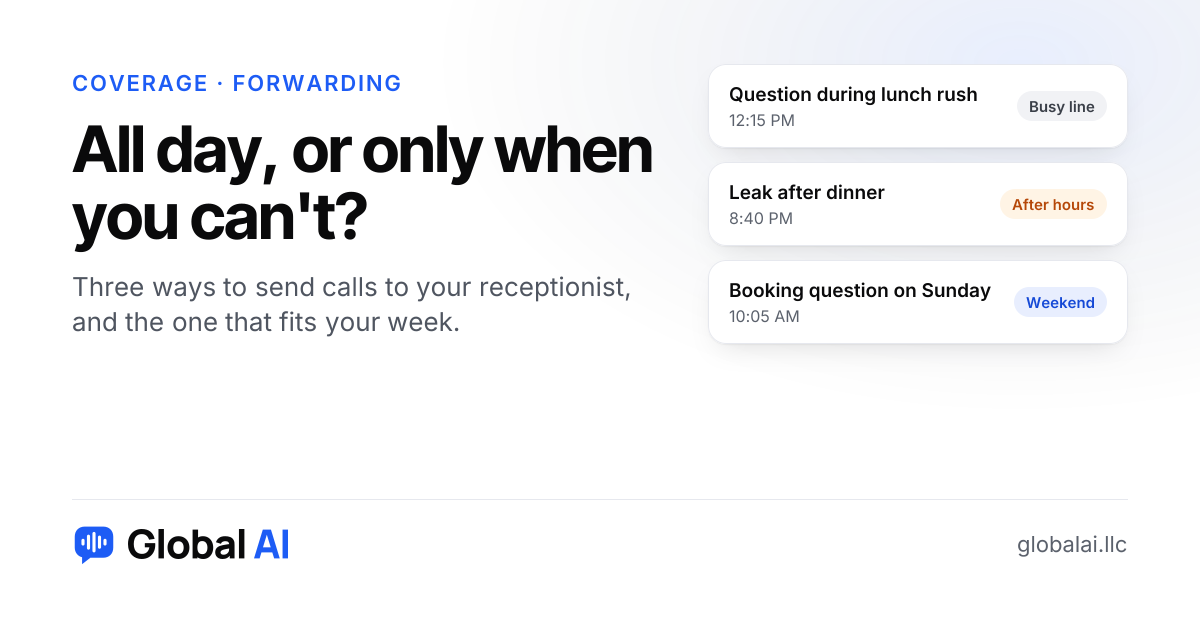
Most small businesses don't need a receptionist on every call, all day. Send calls to one when your line is busy, or after you close, based on when you actually miss calls. A shop where everyone is out on jobs from 8 to 5 is the exception, and it may want every call answered.
What are the ways to forward calls to a receptionist?
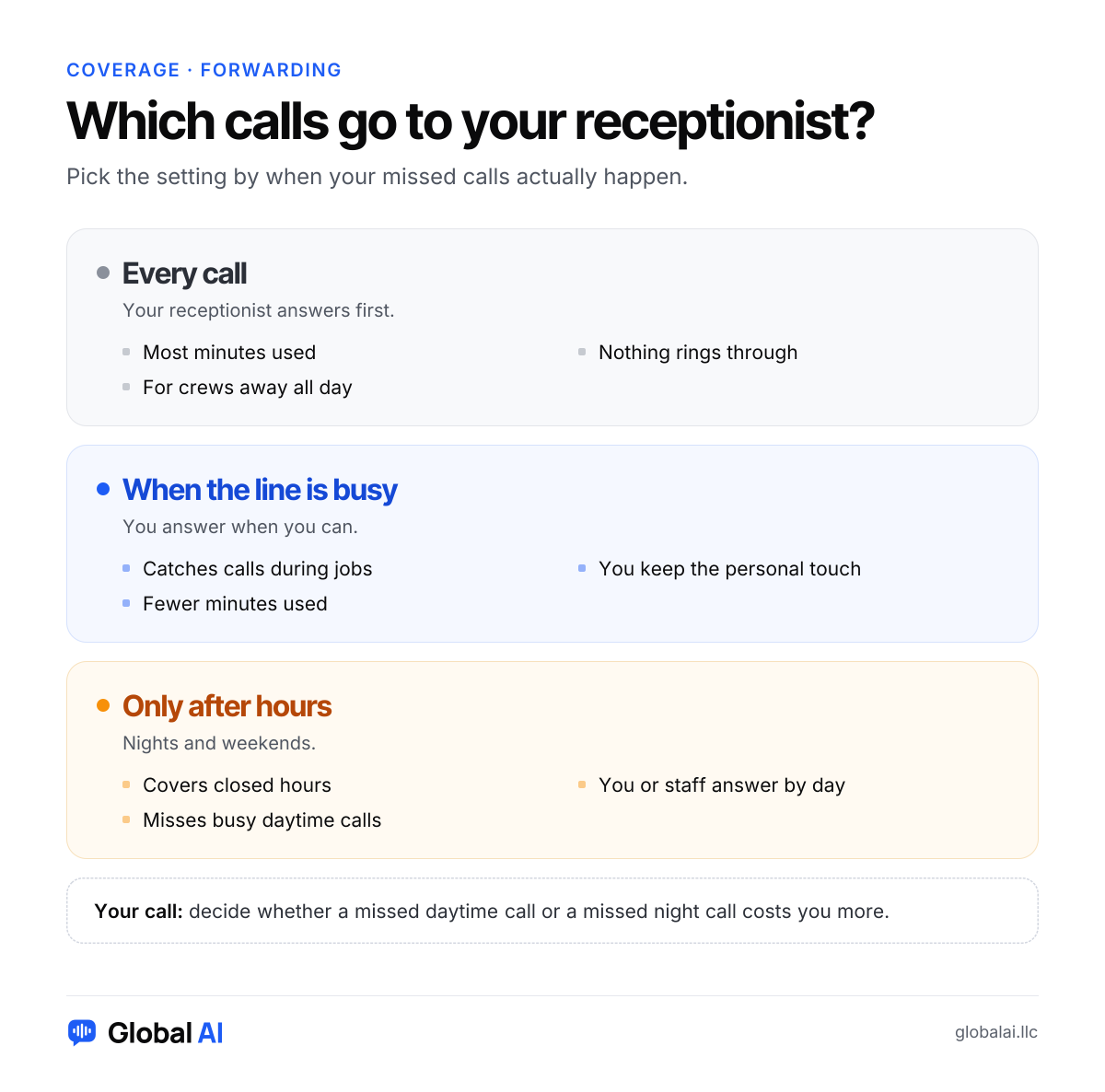
You keep your number and set your phone, or your carrier, to forward calls in one of three ways: for every call, only when the line is busy, or only after hours. They behave differently, and the right pick depends on your week more than on the label. Our FAQ describes the same options, and the blog has a full guide to the forwarding steps for any phone.
When does answering every call make sense?
Picture a landscaping crew. Everyone is on a mower or a truck by 7 a.m., and the owner's phone is in a cab. Nobody is sitting by the phone, so 'when the line is busy' hardly ever applies because the line isn't picked up at all. Sending every call to the receptionist is the honest setting for that shop.
The cost is minutes. Every call, including the ones you'd have happily taken yourself, counts against the plan. If you answer most of your calls anyway, you're using minutes you didn't need to.
When does 'only when busy' beat all-day?
A salon owner with a client in the chair can't pick up. Between clients she can. With 'when the line is busy', she answers what she can and the receptionist catches the rest. Regulars still hear her voice. New callers who would have gone to voicemail get an answer and a booking.
That setting also keeps the monthly total down, which matters when you're counting. If you're not sure where you land, our piece on how many minutes a small business needs shows how to turn your call count into a plan.
When is after-hours coverage enough?
If your front desk is staffed from open to close and the calls you lose all arrive at night or on Sunday, forward after hours only. A retail counter with someone always near the phone, or a restaurant with a host stand, fits. You pay for the gap and nothing else.
The catch is that you can't see the daytime calls your team misses during a rush. Check your call log for unanswered calls at 11 a.m. before you decide you don't have any. Plenty of owners find the daytime misses are the larger number.
| Setting | Fits | Watch out for |
|---|---|---|
| Every call | A crew that is out on jobs all day | Uses the most minutes |
| When the line is busy | A shop with someone nearby but often busy | Calls nobody picks up may need a second look |
| Only after hours | A staffed office that closes at night | Daytime misses stay invisible |
Every call
- Fits
- A crew that is out on jobs all day
- Watch out for
- Uses the most minutes
When the line is busy
- Fits
- A shop with someone nearby but often busy
- Watch out for
- Calls nobody picks up may need a second look
Only after hours
- Fits
- A staffed office that closes at night
- Watch out for
- Daytime misses stay invisible
Can you change the setting later?
Yes, and you should. Start with 'when busy' plus nights, run it for a month, then read the call summaries. If you find you're being interrupted on jobs for calls the receptionist could have handled, widen it. If most calls are routine and you rarely get to the phone, move toward every call. The 30 free minutes in the trial are enough to test a setting before you pay for anything.
One more thing to settle is what happens to the urgent ones. With any of the three settings, urgent calls are flagged and sent to you right away. If you want the caller put through to you or a teammate live, Growth and up can transfer them, and Starter can't. That difference matters more for 'only after hours' than for the others, because a night-time emergency is exactly when you want a person on the line.
What about holidays and slow seasons?
The right setting in July is not always the right one in December. A pool company that wants every call answered in the summer may only need after-hours coverage in winter. A restaurant might forward everything on a holiday when the host stand is closed. Since you keep your number and change the forwarding yourself, switching is a few taps, not a contract.
Write the plan on a sticky note by the phone, with the days you switch. It sounds small, but the most common failure with forwarding is a setting someone changed and forgot, which quietly sends every call to the wrong place for a week.
When is a receptionist not the right fit?
If you already answer every call in seconds around the clock, you don't need it at all. If your callers expect a particular person by name, or most of your calls are long consultations that need your judgment, forwarding to a receptionist adds a step. In those cases, answering yourself is better, and an AI receptionist works as a backup for the rest.
Questions about when to forward calls
Do I need to change my phone number?
No. Most businesses keep their number and turn on call forwarding: for every call, only when the line is busy, or only after hours. Or you can pick a new number in one click.
Does it really answer 24/7?
Yes. It answers 24/7, including nights, weekends and holidays, and every call is summarized for you.
Which setting uses the fewest minutes?
Forwarding only after hours or only when the line is busy sends fewer calls than forwarding every call, so it generally uses fewer minutes.
Can I try a setting before paying?
The free trial includes 30 call minutes and needs no credit card.
How do I forward my calls?
Most phones and phone companies let you forward calls with a short code or a setting. We show you the steps when you connect your phone.
Pick one and test it this week
Look at where your missed calls fall, then choose the setting that covers them. Call the demo line at (856) 595-0295 to hear how a call sounds, start free with no credit card, or call us at +1 (929) 286-5650 and we'll help you choose.