Guides · · 6 min read
What hidden fees should you look for on an answering service bill?
Where answering service hidden fees sit on a real invoice, why a bill can climb when your calls don't, and how to check one against your own call log.
By the Global AI team
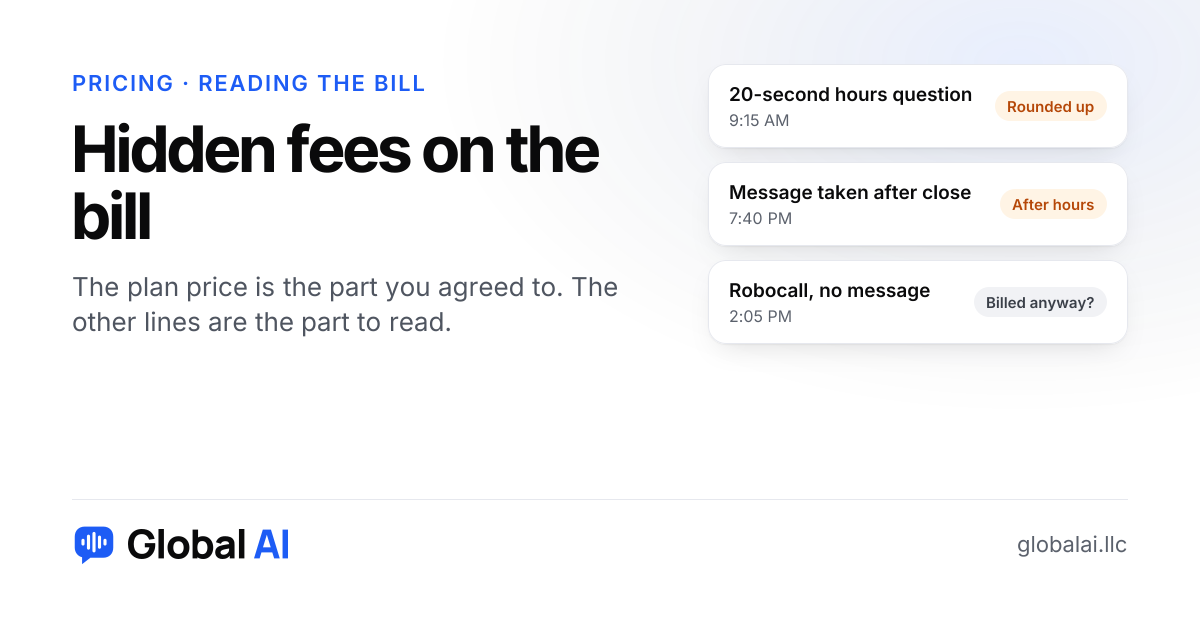
The hidden fees on an answering service bill usually sit in how time is rounded, in after-hours rates, in charges per message or transfer, and in minimums you still pay in a slow month. Almost none of that is on the front of a pricing page. You find it by putting one real invoice next to your own call log.
This post is about reading a bill, either the one you already get or a sample you ask for. If you're still choosing between pricing models, our guide to what an answering service costs is the better place to begin.
Why is my answering service bill higher than the plan price?
Picture it. You signed up at a monthly price you were happy with, and the first invoice looked about right. Then comes a busy stretch, and the next invoice has lines you don't remember agreeing to. You probably did agree to them. They were in the terms, on page four, written in a way that only made sense once you had a bill to hold them against.
Most of these charges aren't a scam. A person working the overnight shift costs a service more than one on days, so nights often cost you more. The trouble is timing: you can't feel the fee until it lands, and by then you've built your budget on the number from the sales call. We looked through the fee guides that answering companies publish, and their figures for after-hours premiums don't agree with one another. So no percentage here. Your contract is the only number that counts.
What does each line on the bill really mean?
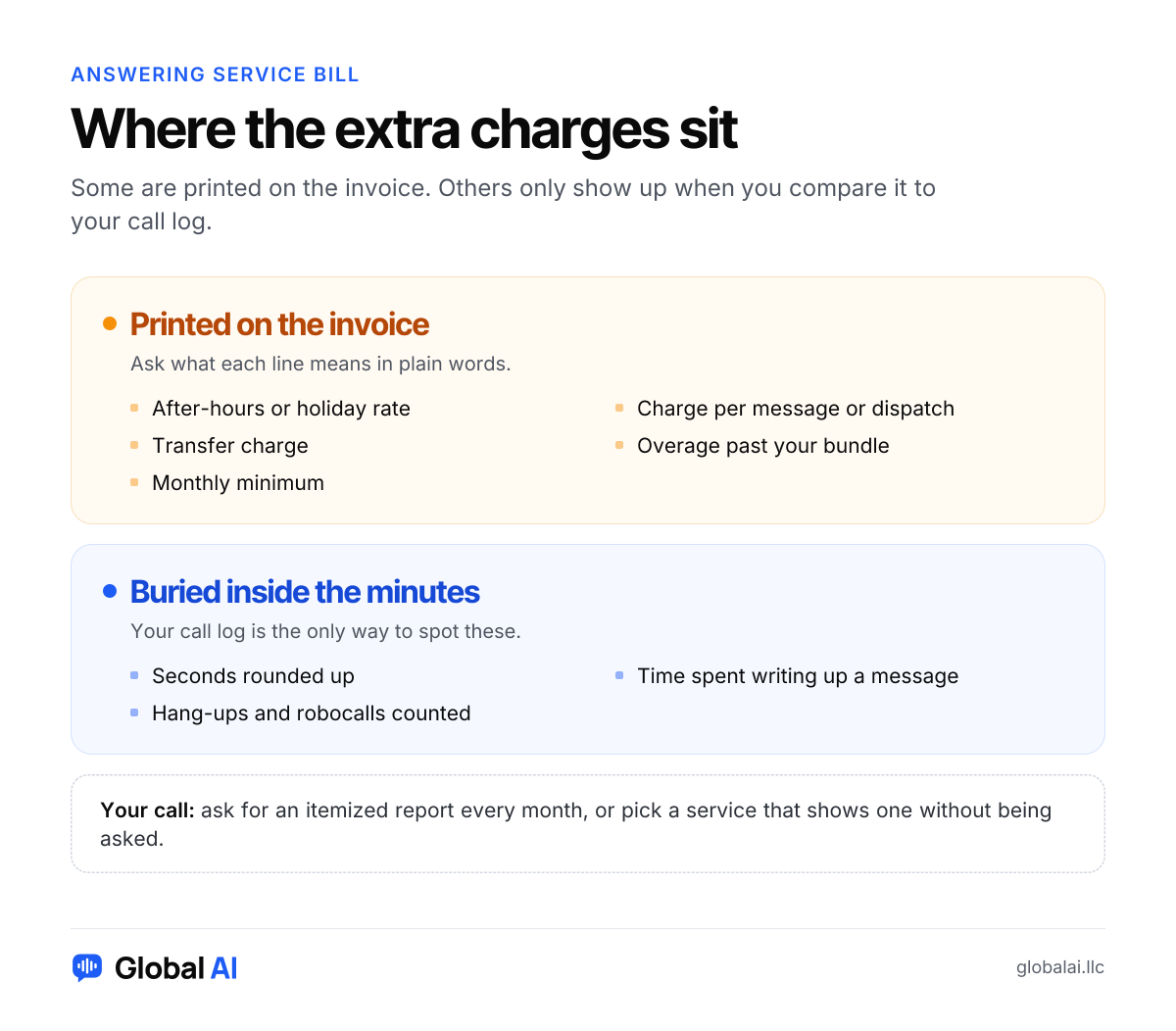
| Line on the bill | What it usually means | What to ask |
|---|---|---|
| Billable minutes | Not always the same as talk time. Seconds can be rounded up, and some services count the time spent writing your message | When does the clock start, and when does it stop? |
| After-hours or holiday | A higher rate for nights, weekends or a list of holidays | Which hours and which dates, exactly? |
| Per message or dispatch | A charge each time a message goes out or someone gets paged | Can a single call ever produce two charges? |
| Transfer or patch | A fee, or extra minutes, when a call is passed to you | Does the meter keep running after the pass? |
| Overage | The price of each minute or call past your bundle | Is it higher than the rate inside the bundle? |
| Monthly minimum | What you owe in a quiet month, whatever you used | Do unused minutes carry over, or are they gone? |
Billable minutes
- What it usually means
- Not always the same as talk time. Seconds can be rounded up, and some services count the time spent writing your message
- What to ask
- When does the clock start, and when does it stop?
After-hours or holiday
- What it usually means
- A higher rate for nights, weekends or a list of holidays
- What to ask
- Which hours and which dates, exactly?
Per message or dispatch
- What it usually means
- A charge each time a message goes out or someone gets paged
- What to ask
- Can a single call ever produce two charges?
Transfer or patch
- What it usually means
- A fee, or extra minutes, when a call is passed to you
- What to ask
- Does the meter keep running after the pass?
Overage
- What it usually means
- The price of each minute or call past your bundle
- What to ask
- Is it higher than the rate inside the bundle?
Monthly minimum
- What it usually means
- What you owe in a quiet month, whatever you used
- What to ask
- Do unused minutes carry over, or are they gone?
Not every service has every line. Some will have ones that aren't here, like a fee for call recordings, for a Spanish line or for connecting your calendar. When you meet a line you can't explain, ask for the definition in writing, then save that email with your contract.
Why did my bill go up when my calls didn't?
Short calls are the usual suspect. Say a service bills in whole minutes. A 20-second question about your hours gets charged as one minute, three times what it took. Forty of those in a month add up to about 13 minutes of talking and 40 minutes on the bill. Your call count never moved. What moved was the mix.
Other causes are easier to miss. A holiday fell inside the billing period. A run of robocalls got answered, and each one counted. Or someone on your team changed the forwarding, so a service that used to get your after-hours calls now gets all of them. That last one has nothing to do with the service, and it's worth ruling out before you send an annoyed email.
How do you check a bill against your own call log?
- Match the dates. Invoices can charge next month's plan in advance and last month's usage in arrears, so find which dates each line covers.
- Pull your phone carrier's call log for those same dates and count how many calls were forwarded.
- Ask the service for an itemized report, then pick ten calls and compare the real length against what was billed.
- Mark anything you wouldn't expect to pay for: hang-ups, wrong numbers, robocalls.
- Send the service those specific calls and ask how each one became its charge.
A difference you can't explain isn't proof of an overcharge, because the terms may allow it. But a company that can't walk you from one call to one charge is telling you something about the next few years of invoices. If you're about to sign somewhere new, our questions to ask an answering service covers what to get in writing first.
What charges does Global AI have?
Fair is fair, so here are ours. Global AI has no setup fee and no contract. Starter is $99 a month for 200 call minutes, and minutes are counted to the second, so that 20-second call costs 20 seconds. The line that can move your bill is extra minutes, at $0.25 each. They stop at a limit you set ($25 a month unless you change it). You get an email at 80% and at 100% of your minutes, and once you reach the limit your receptionist takes messages instead.
That limit has a cost of its own. In a huge month, callers past it reach a message-taker rather than a booking, so raise it if you're heading into your busy season. And you'll still pay the plan price in a dead month. Booking and website chat are included in that price, though Starter takes booking requests for you to confirm. Google Calendar booking and live transfer start on Growth. Texting customers isn't available yet on any plan.
When is an AI receptionist the wrong fix for a high bill?
When your calls are long and need a person, a cheaper robot won't help. A law office doing careful intake, or a shop where most callers are upset and want to be heard, may be paying a fair price for real human attention. Try asking your current service for a plan that fits your call lengths before you leave.
The same goes if a dispatch fee is doing real work. An HVAC company that needs a live person paging the on-call tech at midnight might look at that line and decide it's earning its keep. And if the audit shows the jump came from your own forwarding change, fix that first and see what next month's invoice says.
Questions owners ask about answering service fees
What are the most common hidden fees on an answering service bill?
Rounding up to the next minute, after-hours and holiday rates, charges per message or transfer, overage past your bundle, and a monthly minimum. Not every service has all of them, so ask about each one.
How do I know if I'm being billed for hang-ups and robocalls?
Ask for an itemized report and look for very short calls. Then ask the service directly whether those count, and get the answer in writing.
Can I dispute a charge on my answering service bill?
You can ask. List the specific calls, what you expected to be billed and what you were billed, then ask how each charge was worked out. Whether you get a credit depends on your contract.
Does Global AI charge a setup fee?
No. There's no setup fee and no contract. Plans start at $99 a month, and extra minutes are $0.25 each, up to a limit you set.
Does Global AI bill after-hours calls at a higher rate?
No. A minute at midnight uses the same minutes as a minute at noon, and every minute is counted to the second.
Got an invoice that doesn't add up?
Do the ten-call check first, whatever you decide afterward. If you'd like to see the other way of doing this, ring Ava, our demo receptionist, at (856) 595-0295, or start with 30 free minutes and no credit card.