Guides · · 6 min read
What should you check in the first week with an AI receptionist?
The first week tells you more than any demo. What to test on day one, which calls to read and what to change once you've seen how it handles real callers.
By the Global AI team
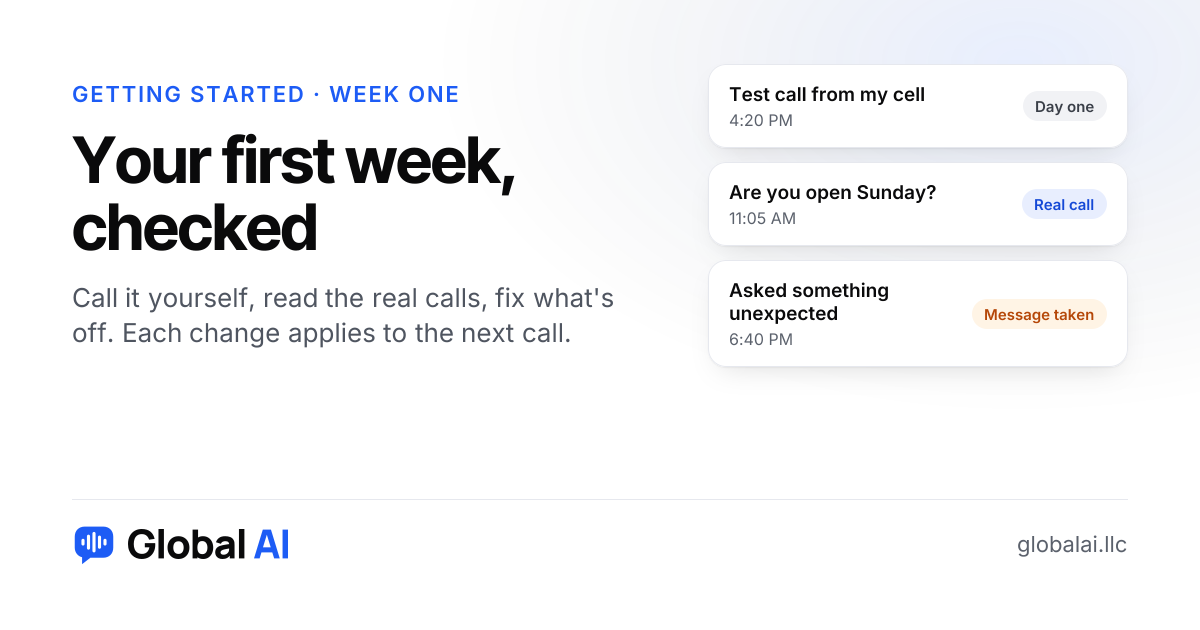
Call it yourself on day one, read every summary for the first few days, and open a few transcripts to see what callers actually said. By the end of the week you'll know what it handles well and what needs a better note from you. The point isn't to catch it out. It's to learn how your callers talk.
Most owners test it once in the browser, hear it say something sensible, and then stop looking. That's the mistake. Real callers don't ask what you wrote notes for. They ask whether you work on their street, whether you're related to the other company with your name and whether Sunday counts as a weekend.
What should you do on day one?
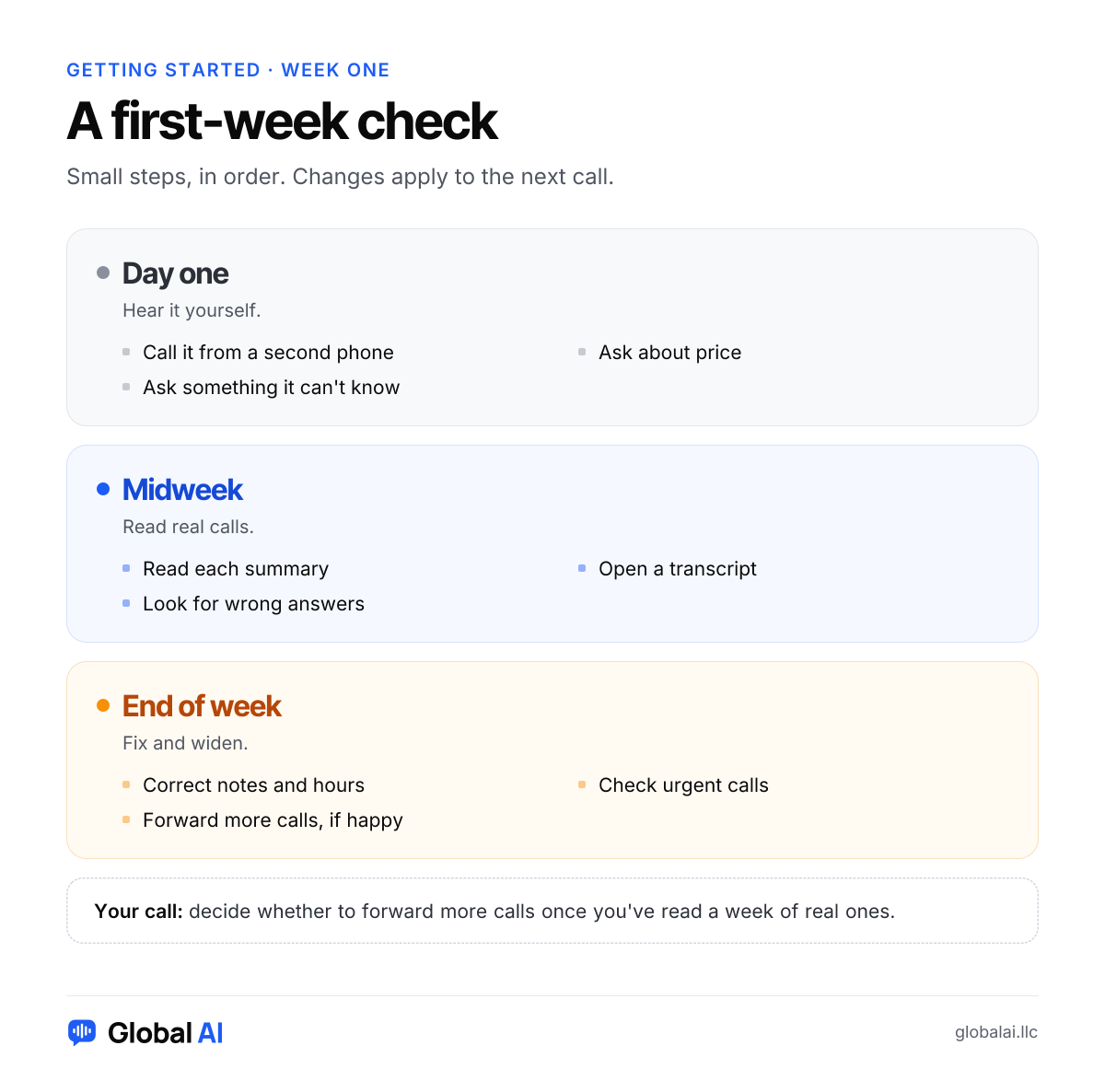
Call the number from a second phone, the way a stranger would, and ask the questions you get most, like your hours, whether you do a certain job and what it costs. Then ask something it can't know, like whether you did the work on your neighbor's house. A good answer isn't a clever one. It's an honest "I'll take your details and have someone get back to you." That behavior is the reason to trust it.
Check the greeting while you're there. It should say the business name and that it's a virtual assistant. If it sounds stiff when you say it out loud, change the wording and call again.
What are you looking for in the call summaries?
Every call and chat ends with a short summary: who it was, what they wanted and what happens next. Read them like you'd read a note from a coworker who covered the desk. Is the name there? Is the phone number right? Is it clear what you're supposed to do next? A summary you can act on in ten seconds is the whole product.
Pick the strangest call of the day and open the transcript. Summaries are tidy, transcripts are what really happened. If a caller got an answer that isn't how your business works, you'll see it there. Recordings are available if you chose to keep them, and callers are told at the start of the call either way.
What do you fix when it gets something wrong?
Usually the cause is a note or a page, not the receptionist. It reads your website, so an out-of-date page teaches out-of-date hours. If your site says one thing and you do another, put the right answer in your notes. The next call uses the new version.
Keep a list as you read: wrong hours, a service it offered that you stopped, a question it kept taking messages on that you could just answer. Ten minutes on Friday fixing all of them beats ten fixes on random afternoons.
If you find yourself writing the same note again and again, the answer is probably missing from your site. Fix it there too, and the setup checklist from before you started will help you spot what else is missing.
Did the urgent calls reach you?
Urgent calls are marked and sent to you right away on every plan. Test that on purpose: call, say something that fits your definition of urgent, and check how long it takes to land on your phone. If you want the caller put through to you live, that's on Growth and up. Starter doesn't have live transfer, so the call becomes a flagged message.
When should you widen what it answers?
If you started by forwarding only calls you miss, and a week of summaries looks fine, try forwarding after-hours calls too, then everything. If something bothered you, don't widen yet. Fix it, then give it another few days. There's no prize for moving fast.
When is an AI receptionist not the right fit?
If you won't read the summaries, it isn't. An unread summary is a missed call with extra steps. It's also a poor fit if every caller needs your judgment in the moment, or if you answer nearly everything yourself within seconds already and your callers like it that way. In those cases, voicemail with a promise to call back may be all you need.
Plumbers and other trades with emergency work have a version of this, since the urgent-call rules matter more than anything else you set.
First-week questions
How do I test an AI receptionist before real callers reach it?
Talk to it in your browser during setup, then call the number from a second phone once your line is connected. Ask about hours, price and something it can't know.
Where do I see what callers said?
Every call and chat has a short summary and a transcript. Recordings are there too if you chose to keep them.
What if it answers something wrong?
Fix the note or the page it learned from. The next call uses the new version, and you can change hours, answers and greetings any time.
What does it do when it doesn't know the answer?
It doesn't make things up. It takes the caller's details and what they need, and you get the message right away.
How long should I wait before sending all my calls to it?
There's no fixed time. Start with calls you miss or after hours, read a week of summaries, then widen it if you're happy.
Start with a test call
Hear one first on the demo line at (856) 595-0295, or start free with 30 minutes and no card and put your own questions to it. If you'd like someone to look over your first week with you, call +1 (929) 286-5650.