Guides · · 6 min read
What do you need ready before you set up an AI receptionist?
The setup takes about 10 minutes, and the answers behind it take longer. What to write down first: your hours, urgent calls, who gets summaries and how calls reach it.
By the Global AI team
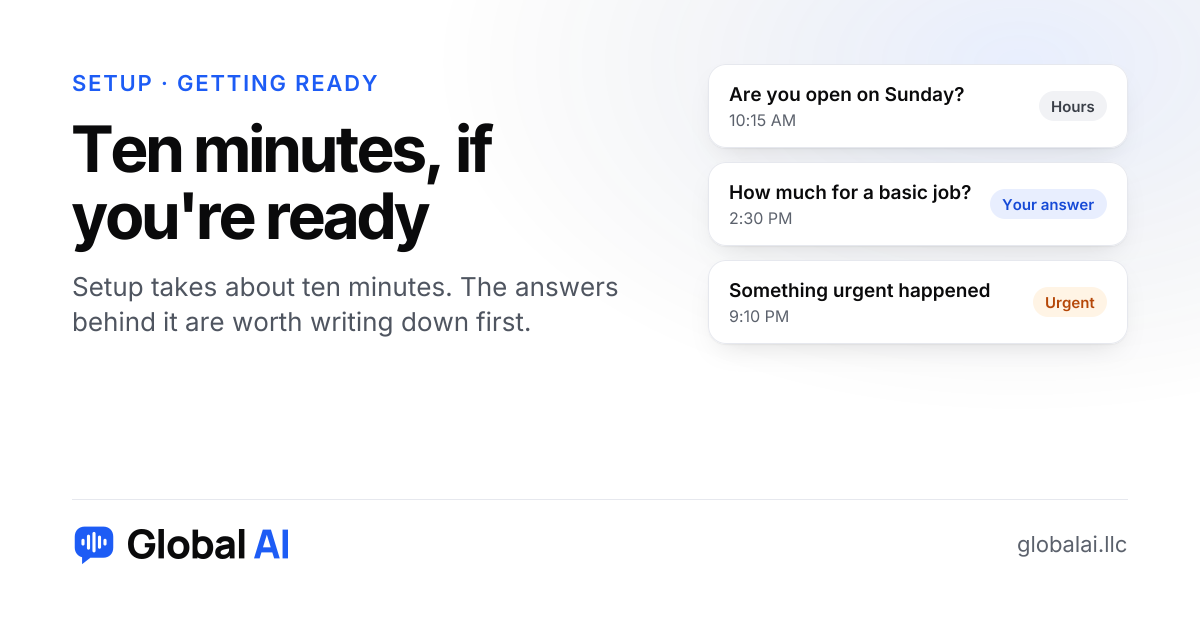
Not much. The setup itself takes about ten minutes from your phone, and it asks for your type of business, your website and your hours. What makes it good is a few answers you write down first: what counts as urgent, what to say about price, who gets the summaries and how calls will reach it.
What does setup actually ask for?
Five steps, in this order: pick your type of business, add your website, choose a name, greeting and hours, test it by talking to it in your browser, then connect your phone. The first one gives it the common words and questions for your trade, and the second lets it read your site for hours, services and questions. No website? You describe the business in a few sentences instead.
Nothing in there is hard. The slow part is that most of us have never written down how we answer our own phone. We just do it.
What should you check on your website first?
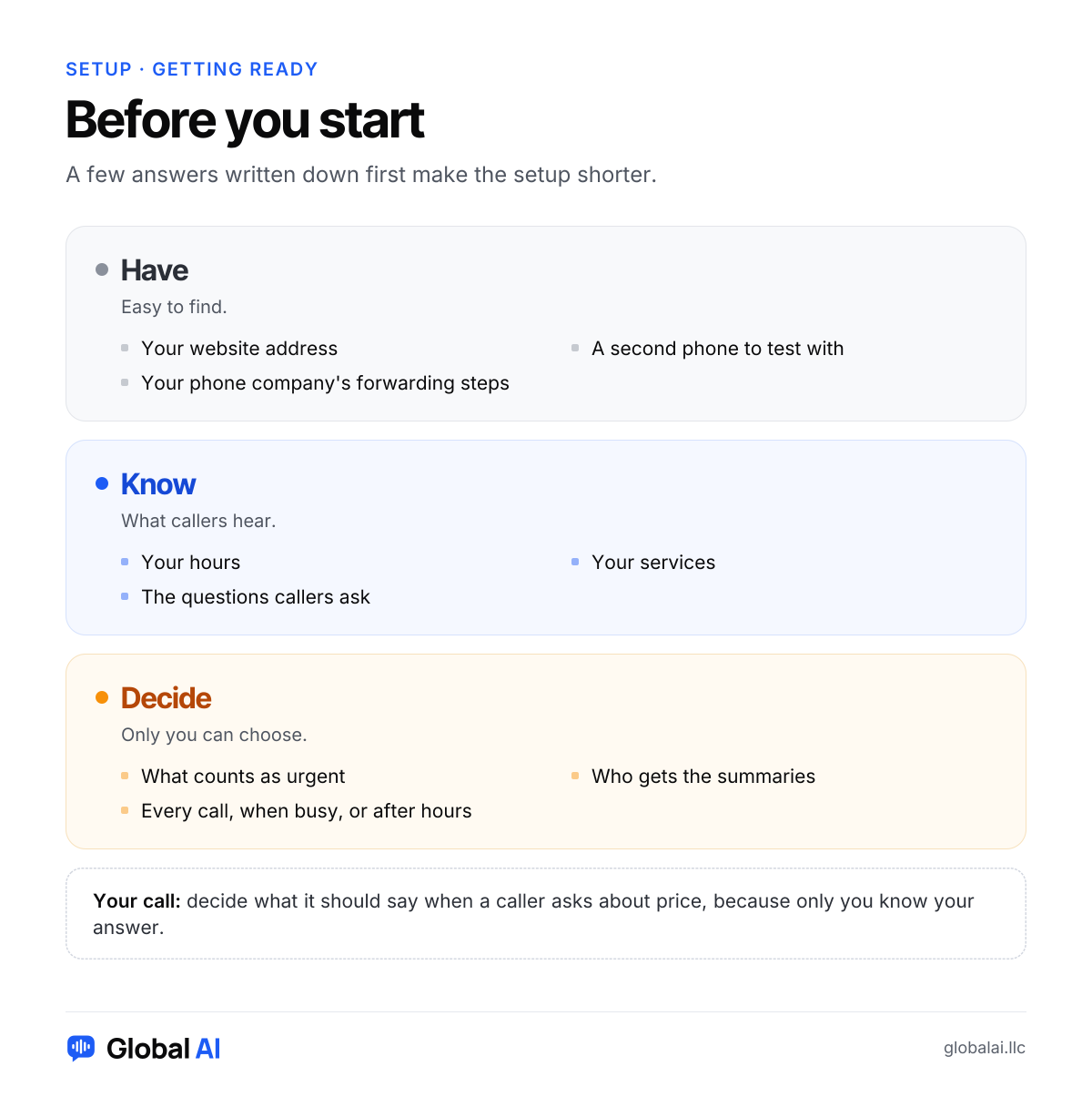
It reads your site, so the receptionist is only as current as the page. Open your site on your phone and look at it as a stranger would. Are the hours right, including holidays? Is the service list the one you actually sell this year? A page that still shows last summer's hours will teach the receptionist last summer's hours, and a caller will be the first to find out.
You can add your own notes and answers afterwards, and change them any time. If a page is out of date and you can't fix it today, put the right answer in the notes instead. The next call uses the new version.
What will you say about price?
This is the one that trips up owners, because the honest answer is often 'it depends'. Decide before you start. You might give a starting price, a range, or a plain 'we quote after we see the job, and here is how to book that'. Anything you write it will say. Anything you don't write, it won't invent, and it takes the caller's details so you can follow up.
Write the answer the way you would say it out loud to a stranger, not the way it reads on a brochure. Callers hear it, they don't read it. Read it aloud once before you save it. If you stumble over it, so will a caller.
How do you want calls to reach it?
You keep your number and forward calls: all of them, only when you can't answer, or only after hours. Or you can pick a new number and put it on your website and ads. Look up how your phone company forwards calls before you start. Most use a short code or a setting, and we show you the steps when you connect your line, but it helps to know whether you manage the line yourself or someone else does.
If you can't decide, pick the smallest change: forward only when busy or after hours first. You can widen it once you've read a week of call summaries.
Who gets the summaries, and what counts as urgent?
Every call and chat gets a short summary in your account, and new bookings and messages are emailed to you. Decide which email that is, and whether anyone else should see it. A shared inbox the whole shop checks beats one person's phone that is sometimes in a truck.
Then decide what counts as urgent for your kind of business. Urgent calls are marked and sent to you right away on every plan. If you want the caller put through to a person live, that's on the Growth plan and up, and Starter doesn't have it. Know that before you choose a plan, not after.
For a rundown of what the receptionist does with those urgent calls, the features page has it.
When is setup not the right next step?
If you can't yet say what you'd want a stranger told about your business, write that first. If you answer every call within seconds yourself, day and night, an extra voice may add nothing. If your calls are long, delicate conversations that need your judgment, a receptionist can take the first details but won't replace you.
The cheapest way to find out is the free trial: 30 minutes, no card, and you can test it in your browser before anyone else hears it.
Questions before you set up
How long does setup take?
About 10 minutes, and you can do it all from your phone. Choose your type of business, add your website, test it in your browser and connect your phone line.
Do I need a computer to set it up?
No. Everything works from your phone. A computer works too, if you prefer a bigger screen.
Can I try it before connecting my phone?
Yes. Test it in your browser as much as you like. Your free trial includes 30 minutes and no card is needed.
Can I change things after it's live?
Any time. Update your hours, answers, greeting or booking settings and the next call uses the new version.
What if I get stuck?
Email or call us and a real person will help you finish setup.
Write the answers, then try it
Take ten minutes with a pen: hours, price answer, urgent calls, who gets the emails. Then start free with no credit card, or call the demo line at (856) 595-0295 to hear a call first. If you'd like a person to walk you through it, call us at +1 (929) 286-5650.