Guides · · 7 min read
After-hours HVAC calls: which ones need a tech tonight, and which can wait?
How to set up after-hours answering for a heating and cooling company: what counts as an emergency, what to ask every caller, and when to wake up the on-call tech.
By the Global AI team
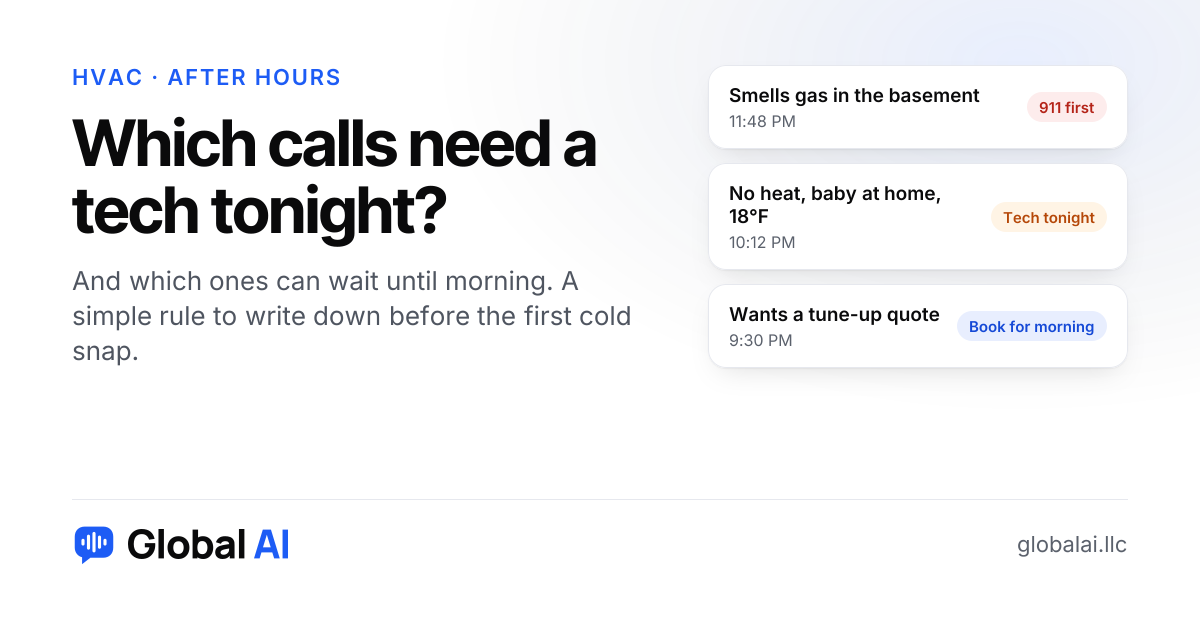
Good after-hours answering for an HVAC company does two jobs. It gets real emergencies, like no heat on a freezing night with a baby or an elderly parent in the house, to your on-call tech fast and with the right details. Everything else gets booked or written down so it's waiting for you in the morning. The answering is the easy part. The hard part is deciding ahead of time which calls are worth waking someone up for.
Why do after-hours HVAC calls need their own plan?
Think about the first properly cold night of the year. Furnaces that sat idle all summer get switched on, and some of them don't light. By 10 PM your phone is ringing, and by 6 AM there's a stack of voicemails, half of them from people who've already called someone else.
Not every one of those calls is an emergency. Some are a dead thermostat battery. Some are a filter nobody has changed since spring. If every call goes straight to the on-call tech, they spend the night on things that could have waited and they're worn out for the jobs that couldn't. If nothing reaches them, you lose the family with a newborn and no heat. A plan is how you avoid both.
Which after-hours HVAC calls are real emergencies?
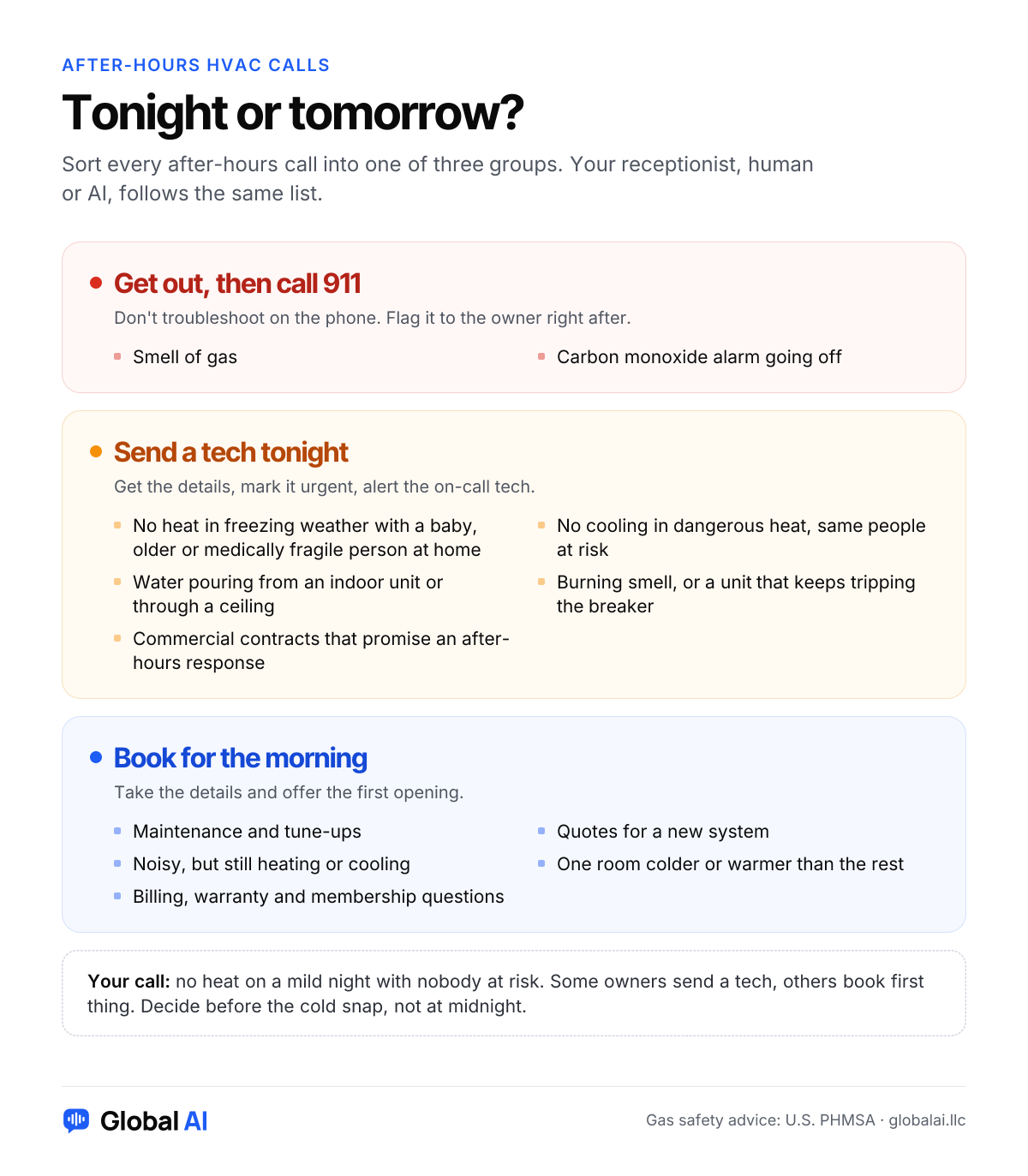
Write your own list, because it depends on your area, your contracts and how much night work you want. Most heating and cooling companies end up with something close to this:
- No heat in freezing weather, especially with babies, older people or anyone medically fragile in the home.
- No cooling in dangerous heat, with the same kinds of people at risk.
- Water pouring from an indoor unit or through a ceiling.
- A burning smell from the system, or a unit that keeps tripping the breaker.
- Commercial customers whose contract promises an after-hours response.
Gas smells are a separate category, and nobody should troubleshoot one over the phone. The federal pipeline safety office's advice is to leave the area, not to flip switches or start a car, and to call 911 from a neighbor's house or somewhere well away from the leak. Have whoever answers your phone say that plainly and then flag the call to you, instead of booking it like a normal repair. Treat a carbon monoxide alarm the same way: everyone out first, then 911.
Which calls can wait until morning?
- Maintenance and tune-up requests.
- Quotes for a new system or a replacement.
- A unit that's noisy but still heating or cooling.
- One room that's colder or warmer than the rest of the house.
- Billing, warranty and membership questions.
- No heat on a mild night, when nobody in the home is at risk.
That last one is your call. Some owners send a tech for every no-heat call because it's good money. Others protect their techs' sleep and book them first thing. Neither is wrong, as long as the rule is written down before the cold snap and not made up at midnight.
What should you ask every after-hours caller?
The tech who calls back at 11 PM shouldn't have to start from zero. These details keep that callback short:
- Name and the best number to call back.
- The service address, plus a gate code or anything else the tech needs to get in.
- What kind of system it is, if they know: furnace, heat pump, boiler or central air.
- What it's doing: not turning on, blowing cold air, making a noise, leaking.
- When it started, and whether they've already checked the breaker or the thermostat.
- Whether anyone in the home is at risk from the cold or heat.
- Whether they own the home or rent it. A tenant may need the landlord's OK before you do the work.
- Whether they're on one of your maintenance plans.
You can see a sample heating and cooling call, and the details it gathers, on our page for HVAC companies.
Should urgent calls go straight to the on-call tech?
There are two ways to do it. You can transfer urgent calls live, so the caller talks to your tech right away. Or the call is answered, the details are taken, it's marked urgent, and the tech gets an alert and calls back within a time you promise.
Live transfer feels better to a scared caller, and it's the right choice if your tech is happy to pick up. A flag and a fast callback is gentler on your team. The tech reads the details first, can tell a thermostat battery from a cracked heat exchanger, and decides whether to roll the truck. If you're not sure, start with the flag and callback for a few weeks, read the summaries, and switch to live transfer if callbacks are taking too long.
Should callers hear your after-hours rate?
If you charge more for nights and weekends, say so on the call, using only the rate you've written down. A caller who hears it before the tech arrives won't argue about it at the door. Some will decide to wait until morning, and that's fine. It's a call your tech didn't have to run.
How do you get ready before the first cold snap?
- Write your emergency list and your 'can wait' list, even if each is only a few lines.
- Decide who's on call each night, and the number urgent calls should reach.
- Check that forwarding is on for after hours, and that it switches back in the morning.
- Put your after-hours rate, if you have one, wherever your answering is set up.
- Call your own number at night from a different phone. Try a no-heat call and a tune-up request, and make sure each one ends where you want it to.
If you haven't set up forwarding before, our guide to forwarding business calls walks through the common carriers.
When is an AI receptionist the wrong choice after hours?
An AI receptionist answers every call and follows your rules. It isn't a dispatcher with years in the trade. If your nights are mostly emergency work where someone has to decide which job runs first, a live dispatcher or an answering service with trained staff may suit you better.
And if nobody is on call at all, no answering setup fixes that. Answering at midnight and then not showing up until noon can annoy a customer more than voicemail would. Be honest on the call about when someone will actually come.
Questions HVAC owners ask
Can an AI receptionist tell what's a real HVAC emergency?
It follows the rules you give it. It listens for the situations you list, marks those calls urgent and alerts you right away. It can't diagnose a system, and it shouldn't try.
Can it transfer an urgent call to my on-call tech?
With Global AI, live transfer is on the Growth plan and up. On every plan, urgent calls are flagged and sent to you right away so you can call back.
Can it book tune-ups and service visits at night?
Yes. On the Growth plan and up it can book real open times on your Google Calendar. On Starter it takes a booking request for you to confirm in the morning.
Do I have to change my business number?
No. Keep your number and forward calls to your receptionist only after hours, only when you don't answer, or all the time.
Can it text the customer to say a tech is on the way?
Not yet. Text messages are coming soon. Today it answers calls and website chats and emails you new bookings and messages.
Everything it does today, and what's still coming, is on our features page.
Try it before the next cold night
Global AI answers heating and cooling calls 24/7, flags the calls you've marked urgent and sends you a summary of each one. Start with 30 free minutes and no credit card, and forward only your after-hours calls if that's all you need.
Want to hear it first? Call Ava, our demo receptionist, at (856) 595-0295 and ask what you'd ask at midnight. Setup takes about 10 minutes, and here's how it works.