Guides · · 6 min read
Is a "press 2 for Spanish" menu enough for a contractor with Spanish-speaking customers?
Why a press-2 menu loses some Spanish-speaking callers, how an AI receptionist that switches languages mid-call works, and when you still need a person who speaks Spanish.
By the Global AI team
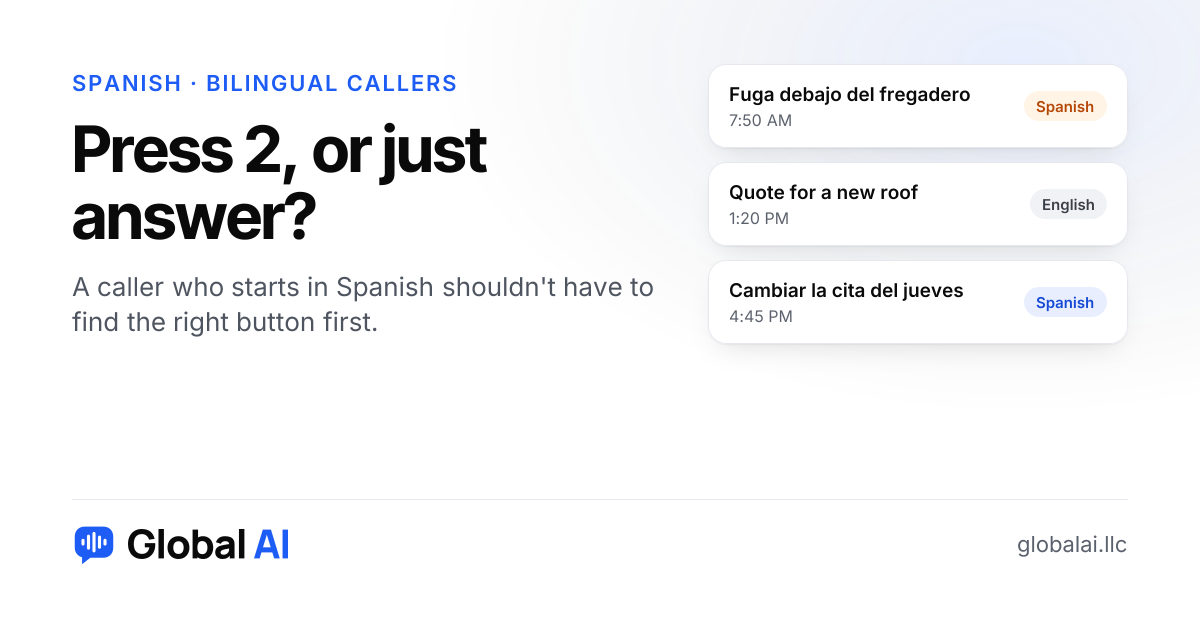
For some callers a press-2 menu works fine. For others it doesn't, because the first thing they hear is a sentence in a language they're not comfortable in, and they have to guess where the option is hiding. A receptionist that notices Spanish and switches on its own removes that guess.
Picture a roofer's office on a Tuesday morning. A homeowner calls about water coming through a bedroom ceiling. She says "Hola, buenos días" and gets a recorded English greeting followed by four options. She waits, tries to follow it, and hangs up. The roofer never learns she called. Nobody did anything wrong. The setup just asked the caller to do the work.
Why does a press-2 menu lose some callers?
A menu assumes the caller will sit through a greeting in a language they may not follow well, then find and press the right number. Many will. Some won't, particularly if they're stressed, driving or calling about something that can't wait. And a menu is only as good as what's behind it. Pressing 2 for Spanish into a voicemail box nobody checks is worse than no option at all.
There's a second cost that owners tend to miss. If your phone menu is the only way to reach the Spanish option, someone has to maintain it, and that someone is you. A bilingual employee quits, goes on vacation, or just isn't at their desk, and the option quietly stops working.
How does an AI receptionist handle a call in Spanish?
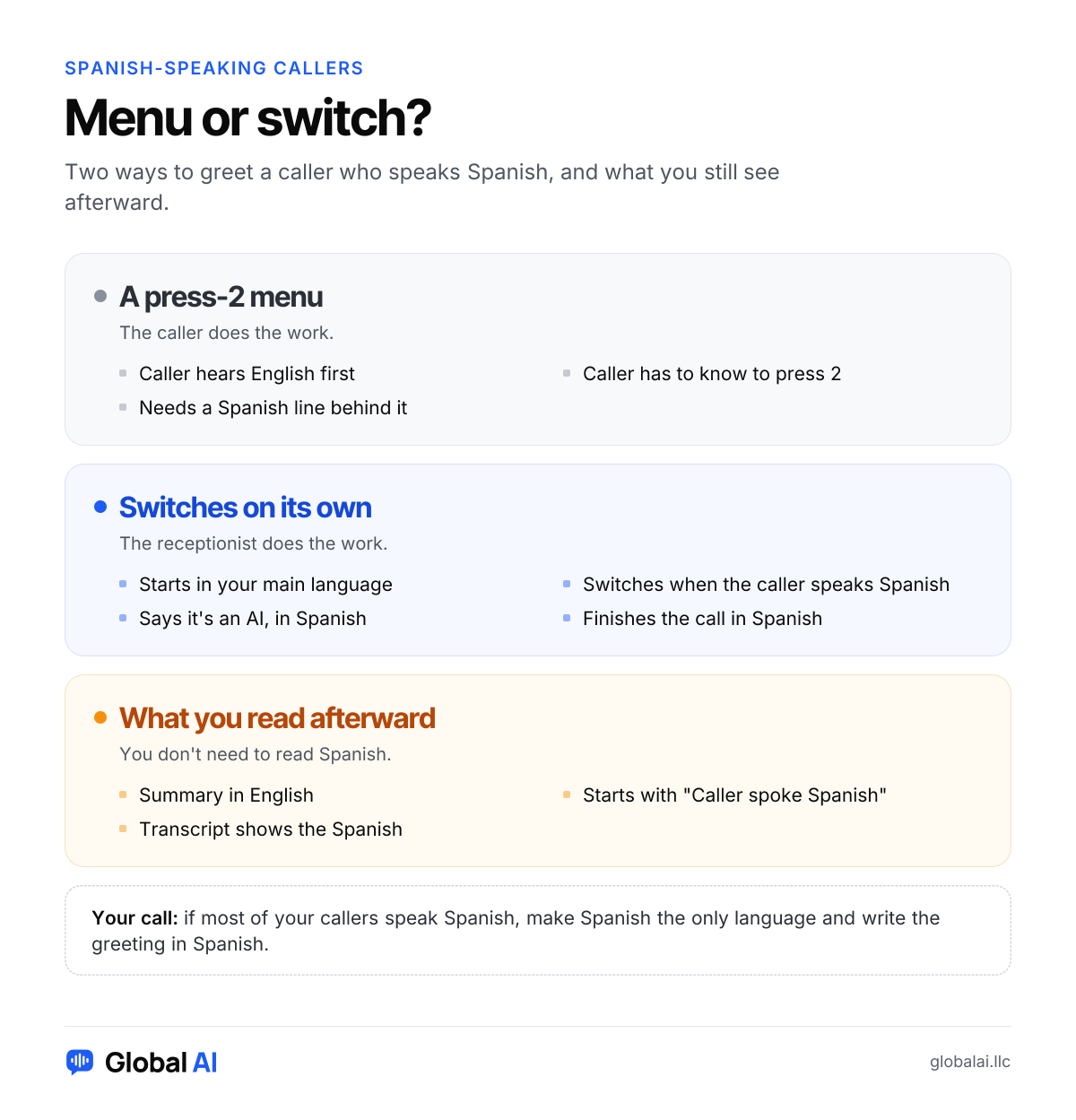
It answers in your usual language, with the notice that it's a virtual assistant. The moment the caller speaks Spanish, in the first sentence or later, it carries on in Spanish and finishes the call that way. It says the AI notice in Spanish too, uses the polite "usted" unless the caller uses "tú" first, and gives your hours, prices and answers in Spanish without changing them.
You write your instructions in English only. If something isn't covered, it says your team will follow up instead of guessing. Afterward you get a summary in English that starts with "Caller spoke Spanish," and the transcript shows what was really said.
It's one switch, called "Also answer in Spanish," and it's included on every plan, including the free trial. A call in Spanish uses minutes the same way an English call does. Plans start at $99 a month.
What if most of your callers speak Spanish?
Then don't start in English at all. Under Languages you can make Spanish the only language and type your greeting in Spanish, since the standard greeting is in English. A landscaping crew, a cleaning company or a roofing outfit whose customer base is mostly Spanish-speaking will usually prefer that.
Whichever you pick, test it. Ask someone who speaks Spanish every day, an employee or a relative, to ring the line and be as ordinary and impatient as a real customer would be. We can't promise it will understand every regional phrase on the first try, so find the gaps before your customers do.
Is a Spanish voicemail greeting better than nothing?
Yes, a little. A voicemail that says "deje su mensaje" tells the caller they've reached the right kind of business and can leave details in their own words. But it only collects a message. Nobody asks the follow-up question, nobody books the Thursday slot, and the caller still waits for a callback that may arrive after they've rung someone else. Answering live, in the caller's language, is what keeps the job.
When do you still need a person who speaks Spanish?
When the call is about something a receptionist shouldn't handle alone. A law office taking in a sensitive matter, a customer disputing a bill, an injured worker on the phone: those calls want a human who can listen and judge. An AI receptionist can catch the call, get the details and flag it, and then a person calls back. If the callback is also in Spanish, that matters.
And the summary being in English has a catch. If you or your staff don't read Spanish, you'll know what the caller wanted but not how they said it. For routine bookings that's fine. For an upset customer, someone on your team who can read the transcript, or a bilingual colleague on call, is worth keeping.
Questions about Spanish-speaking callers
Do I need a press-2 menu if the receptionist speaks Spanish?
No. It answers in your main language and switches to Spanish the moment a caller speaks it, then finishes the call in Spanish.
Does Spanish cost extra?
No. Spanish is included on every plan, including the free trial. A call in Spanish uses minutes the same way as a call in English. Plans start at $99 a month.
Will Spanish-speaking callers know it's an AI?
Yes. When it switches to Spanish it says so in Spanish, along with the notice that the call is recorded and transcribed. If you turned recording off, that part is left out.
Do I have to write my answers in Spanish?
No. Write your hours, prices and answers in English, and it gives callers the same facts in Spanish. If something isn't covered, it says your team will follow up.
Can it send Spanish confirmations by text?
Not yet, in any language. Text messages are coming soon. Today it answers calls and website chats and emails you every booking and message.
Hear it in Spanish
Call Ava, our demo receptionist, at (856) 595-0295 and start in English, then switch to Spanish partway through. Or try it free: 30 minutes, no credit card, about 10 minutes to set up. If you'd rather talk first, call us at +1 (929) 286-5650.